

TurboCAD 2026 · Windows

Precision CAD that doesn't bill you every month.

ACIS® solid modelling, 2D constraints, AutoCAD®-compatible drafting. Buy it once, own it — or take a term licence if you'd rather. Instant download, licence key in your inbox.

20M+users
1983founded
30 daymoney back
Turbofan engine cutaway modelled in TurboCAD
Turbofan assembly cutaway — modelled and rendered in TurboCAD Platinum

Start here

Three families. One decision.

Whether you're drafting in 2D, modelling in 3D, or laying out a home and garden, there's a product line built for it. Compare editions and pricing in one place.

TurboCAD®

All-purpose 2D drafting and 3D solid modelling for Windows and Mac. Four editions from hobby to professional practice.

from £149.99Compare →

DesignCAD™

Easy 2D/3D CAD for Windows. The shortest path from no CAD experience to a finished drawing.

See pricingCompare →

FloorPlan®

Home and landscape design for Windows and Mac. Foundation to roof, plus decks, gardens and lighting.

See pricingCompare →

Trusted by engineers and designers at

Honda, Harvard, 3M, Boeing, Schlumberger, Abbott, NASA, Toyota, Hyundai, GE, Intel and Xerox

TurboCAD 2026 for Windows

Pick your edition

All four editions install from the same download and are yours to keep. Start where your work is today — you can upgrade later at a reduced price.

Designer

£149.99

  • 2D drafting and editing
  • Smart dimension tools
  • Layer management
Choose Designer
Popular with individuals

Deluxe

£299.99

  • Everything in Designer
  • 3D modelling and ray tracing
  • STL import / export
Choose Deluxe

Professional

£749.99

  • AutoCAD®-like command line
  • Full file import / export
  • Sections and elevations
Choose Professional
Popular with business

Platinum

£1,129.99

  • ACIS® solid modelling
  • Mechanical toolset
  • SDK and Ruby scripting
Choose Platinum

Already own TurboCAD?

Find your upgrade price in two clicks.

Tell us what you're running and we'll show your upgrade price straight away — no version charts to read through.

Choose both to see your price.

Just released

What’s new for TurboCAD 2026

All release notes →

Free update

TurboCAD 2026.1 mid-year update

About 200 improvements, updates and fixes, at no extra cost for every licensed user of TurboCAD Platinum, Professional, Deluxe and Designer 2026.

  • Greater stability across key design and project workflows
  • Improved graphics, visualisation and rendering behaviour
  • More reliable workspace and Ribbon customisation
  • Updated file exchange and export compatibility
  • Improved point-cloud, selection and drawing workflows
  • Stronger plug-in installation and integration
~200improvements
Freefor 2026 licences
65.1build

On an earlier version? See upgrade prices →

Your drawing Copilot Render

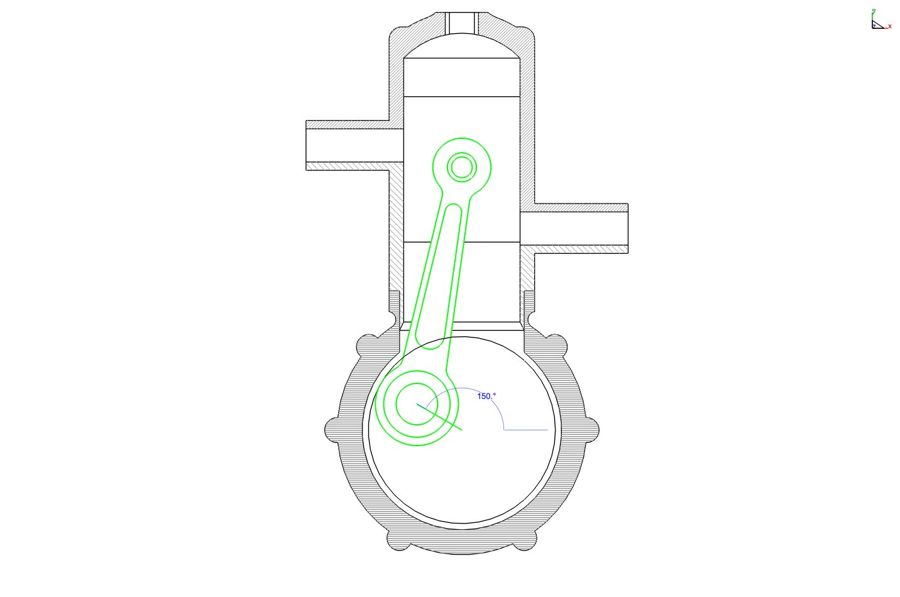
Copilot Render example: a 2D constraint drawing, rendered from a written prompt. Drag to compare.

AI add-on, sold separately

Copilot Professional

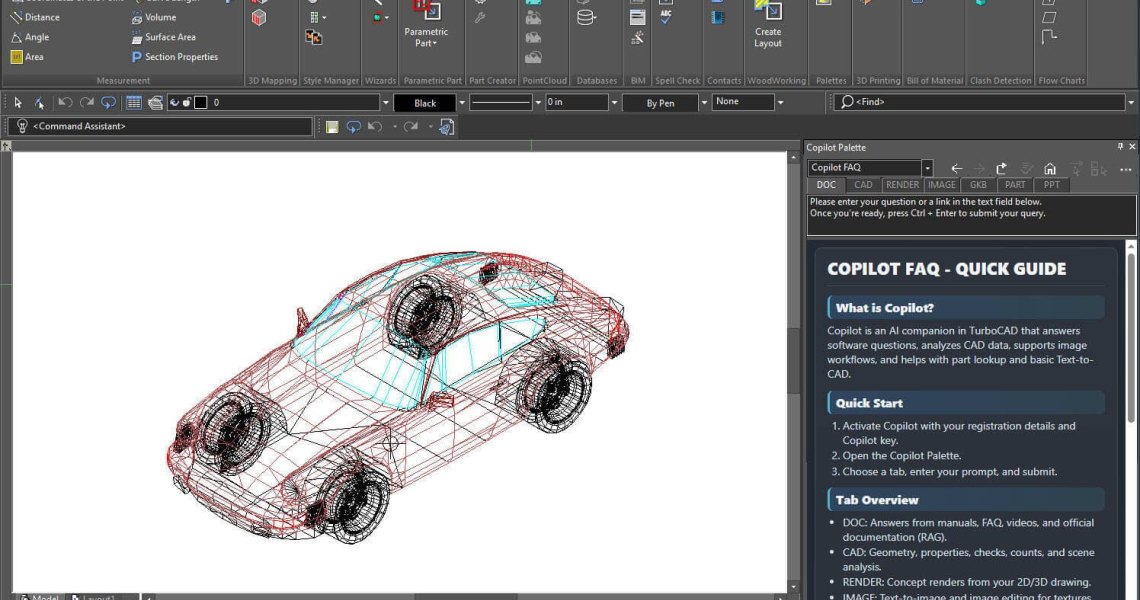
Everything in Copilot Help, plus AI that works with your own drawings. Copilot Render is included.

  • Talk to your CAD data. Ask questions about the project you have open.
  • General AI assistance for broader design questions.
  • Text to image for textures and backgrounds in your renderings.
  • Copilot Render. Concept renderings of your model from a written prompt.

from £229.99/yr 1-year term licence. A 3-year term is also available.

Every TurboCAD 2026 edition includes a 30-day Copilot Help licence.

Verified reviews

Thirty years of people who still open it every day

★★★★★

“I have used a number of other CAD programs and I believe TurboCAD's DWG translation is much better than average. I have even seen situations where TurboCAD salvaged drawings unopenable in AutoCAD.”

Joseph M. · TurboCAD Platinum

★★★★★

“DesignCAD is simple and stable. Have been using it for years. Consider it my second language after English. Does everything I need for 2D drafting, never locks up or crashes.”

Lowell S. · DesignCAD 3D Max

★★★★★

“I began using TurboCAD in 2002 and all these years later I still get excited when I think about using TurboCAD on a daily basis.”

Don C. · TurboCAD Professional

Latest posts

This website uses cookies to ensure you get the best experience on our website