Latest posts

Blog

  • Design Without Barriers: Multilingual Functionality
    Design Without Barriers: Multilingual Functionality

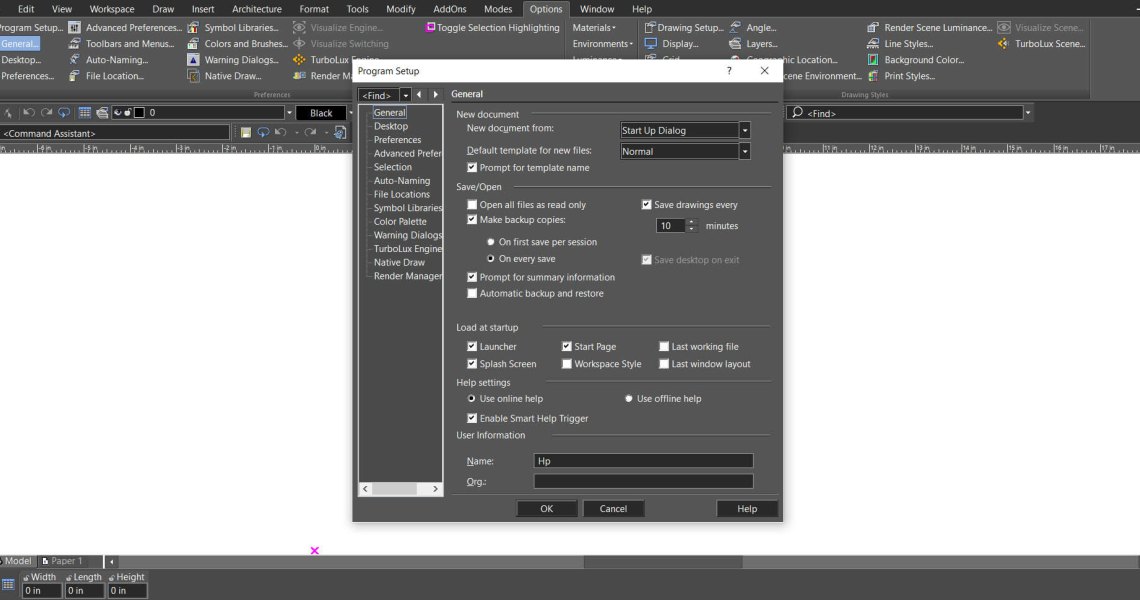
    The Multilingual feature lets you choose your preferred interface language — English, French, or German — for a smoother and more intuitive design experience. It removes language barriers, ensuring you can focus on creativity and precision. By supporting multiple languages, the application empowers designers, engineers, and architects across Europe to work comfortably and productively in their own language.
    Read more
  • STL Filter – 3D Print Check
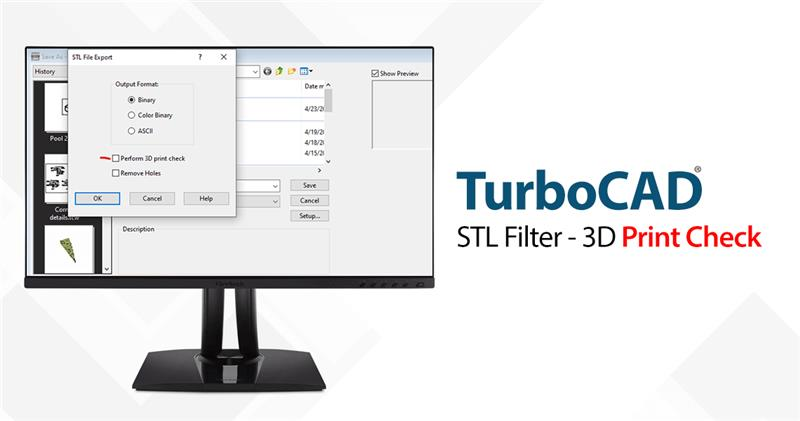
    STL Filter – 3D Print Check

    The STL Filter is a feature within TurboCAD, a leading CAD software, that allows users to export their designs in STL format, which is the standard file type used in 3D printing. But it's not just about file conversion; the STL Filter also performs a crucial '3D Print Check' to ensure that the design is ready for printing.

    Read more
  • Select by Similar Tool
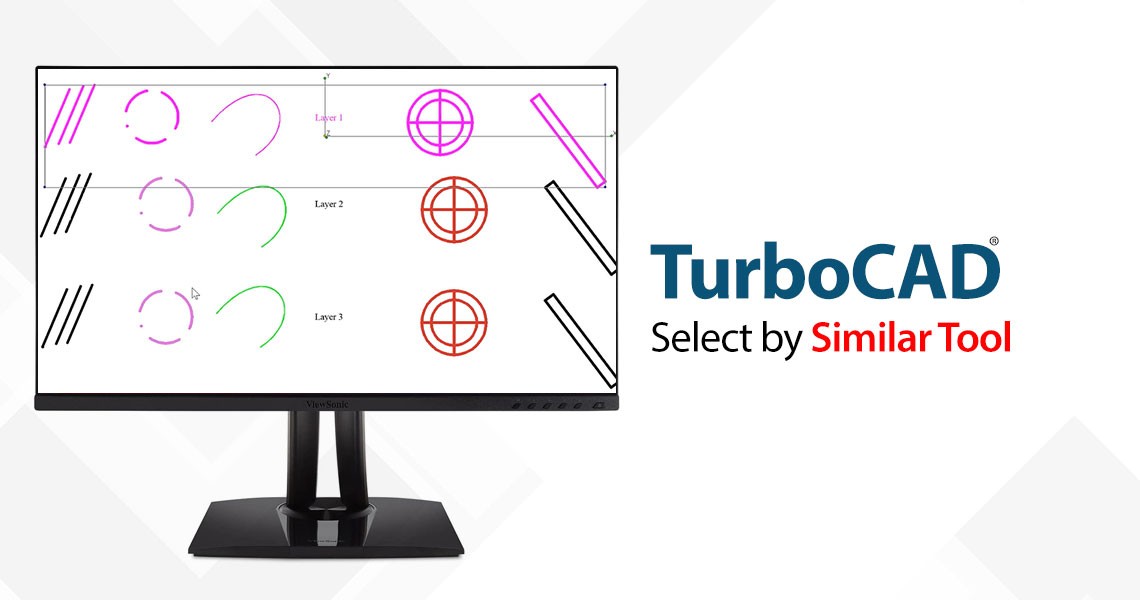
    Select by Similar Tool

    The 'Select by Similar' tool is a powerful addition to TurboCAD's arsenal, allowing users to select any 2D or 3D object type or a block and then find all occurrences of that in the drawing. This tool is particularly useful when dealing with complex designs that contain numerous elements with shared properties such as pen color and style, brush color and style, layer, or even the selected object’s coordinate system.

    Read more
  • Trace Tools in TurboCAD
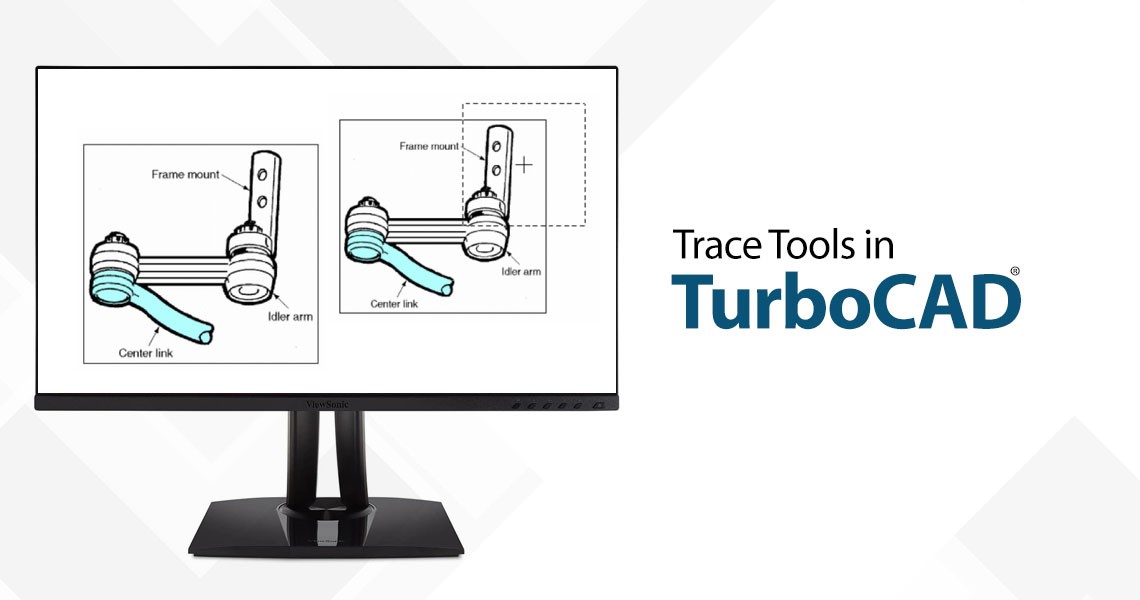
    Trace Tools in TurboCAD

    Trace Tools has equipped TurboCAD with the capability to transform 2D raster images into vector tracings, a process that is invaluable for architects, engineers, and designers alike. Available in the Platinum, Professional, and Deluxe versions of TurboCAD, the Trace Tools offer a robust set of functionalities:

    Read more
  • Fillet Edges (blend) tool
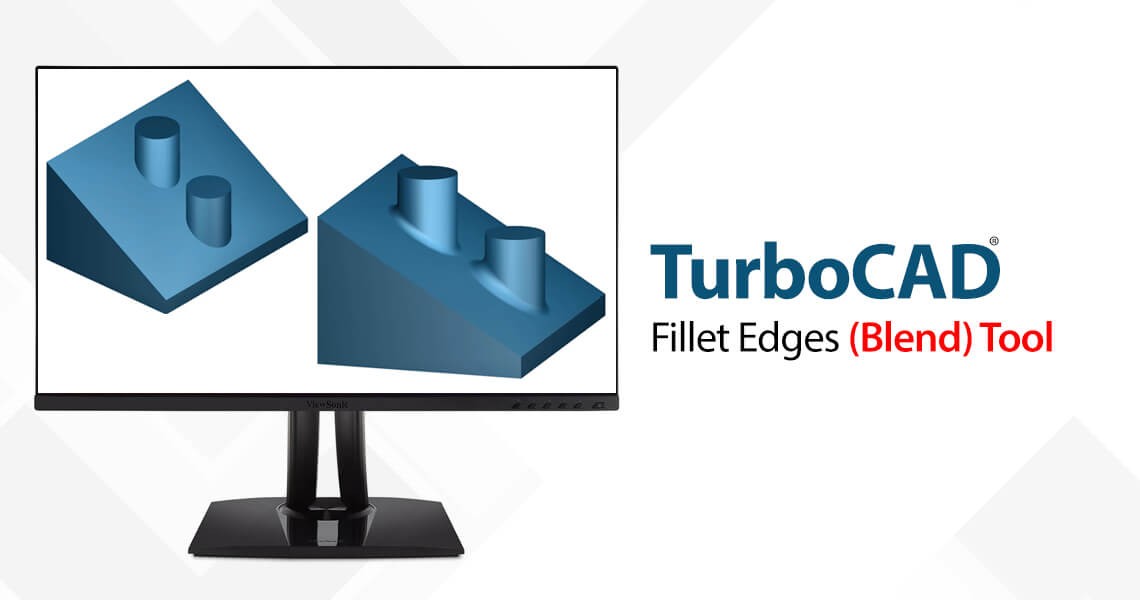
    Fillet Edges (blend) tool

    Three Blend Types: 1) Curvature continuous blending to create the explicit blends. The blend surface will be curvature-continuous with both faces. To make it you should

    Read more
  • Learning How to Use TurboCAD
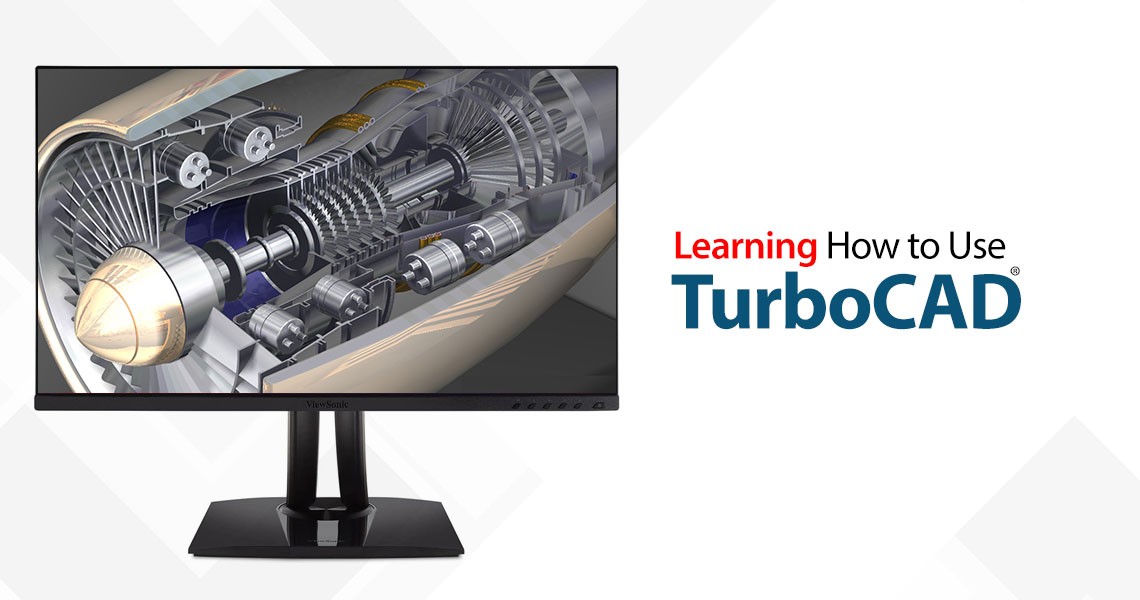
    Learning How to Use TurboCAD

    As a TurboCAD owner, If you want to learn either about how to use TurboCAD or learn more about how to use it more effectively, you have numerous options open to you. Beyond reading either the PDF manual or the online User Guide, learning resources are available to you in a multitude of media and formats.

    Read more
  • TurboCAD Best Practices - Scale
    TurboCAD Best Practices - Scale

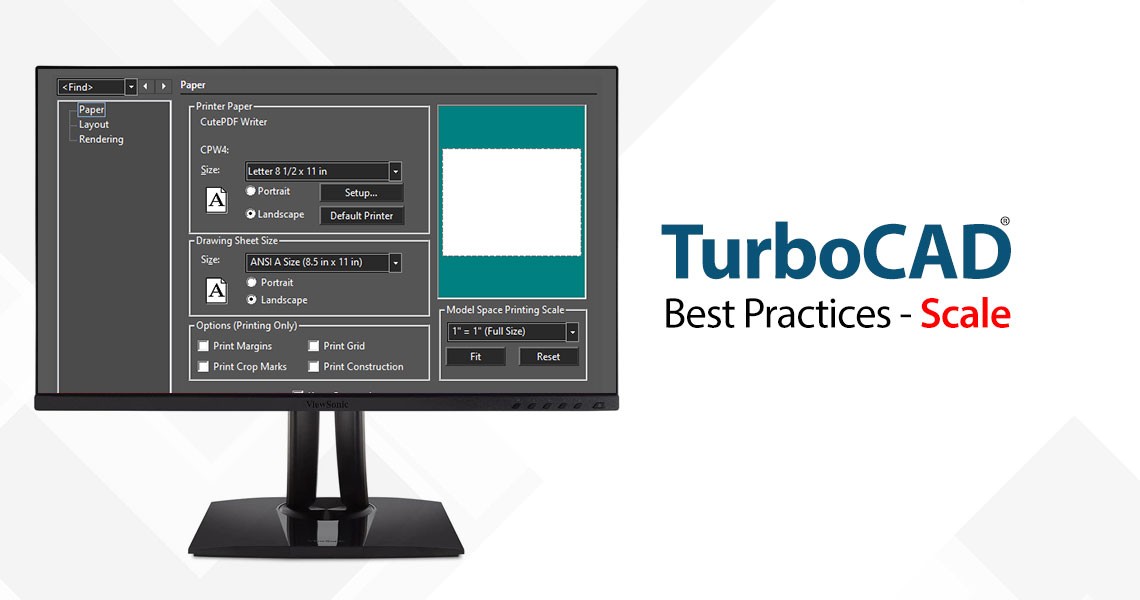
    Here’s a word or two about Best Practices and SCALE in TurboCAD. If you are an old codger like me, who started on drafting boards with T-squares and triangles, and you still can’t forget the acrid chemical smell of the blueprint machine, you were taught to draw to by scaling to fit. Then you carefully noted the scale factor (1:10, 1” = 1’, 2cm = 1km etc.) down in the corner of the drawing. You may even have had a special set of rulers that short-cut the mathematical metal gymnastics. So, it...

    Read more
  • TurboCAD Tip: Mastering Angular Step Angle for Precision Drawing
    TurboCAD Tip: Mastering Angular Step Angle for Precision Drawing

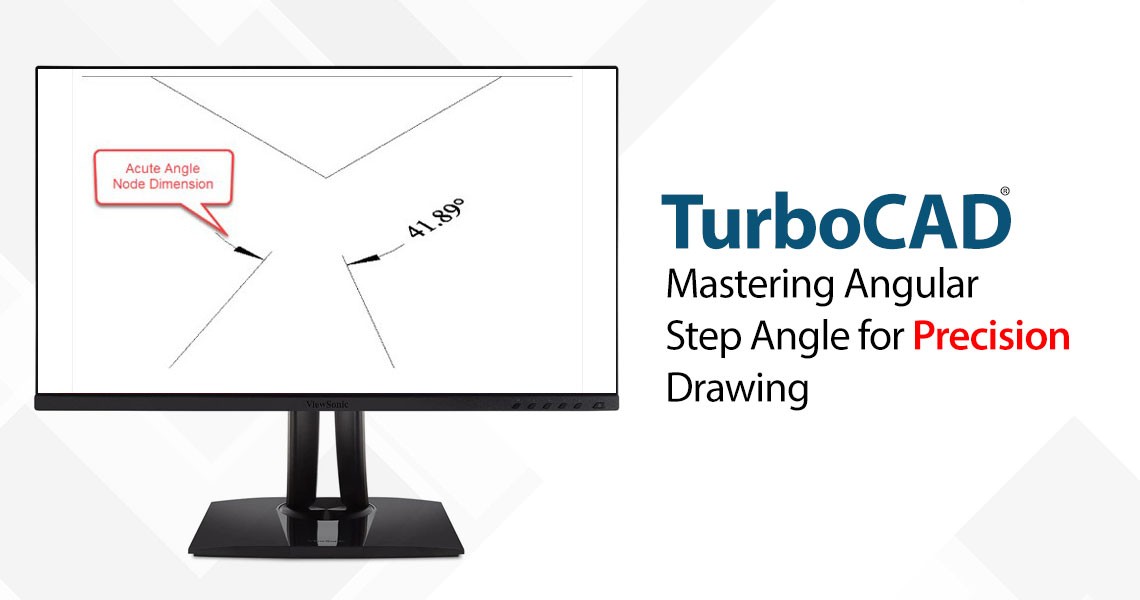
    One of the defining strengths of TurboCAD is its flexibility in adapting to various design disciplines—from architectural layouts to mechanical schematics. And among the suite of tools designed for precision and efficiency, Ortho Snap/Mode paired with a customized Angular Step

    Read more
  • What is the Remove Overlapping Entities Tool?
    What is the Remove Overlapping Entities Tool?

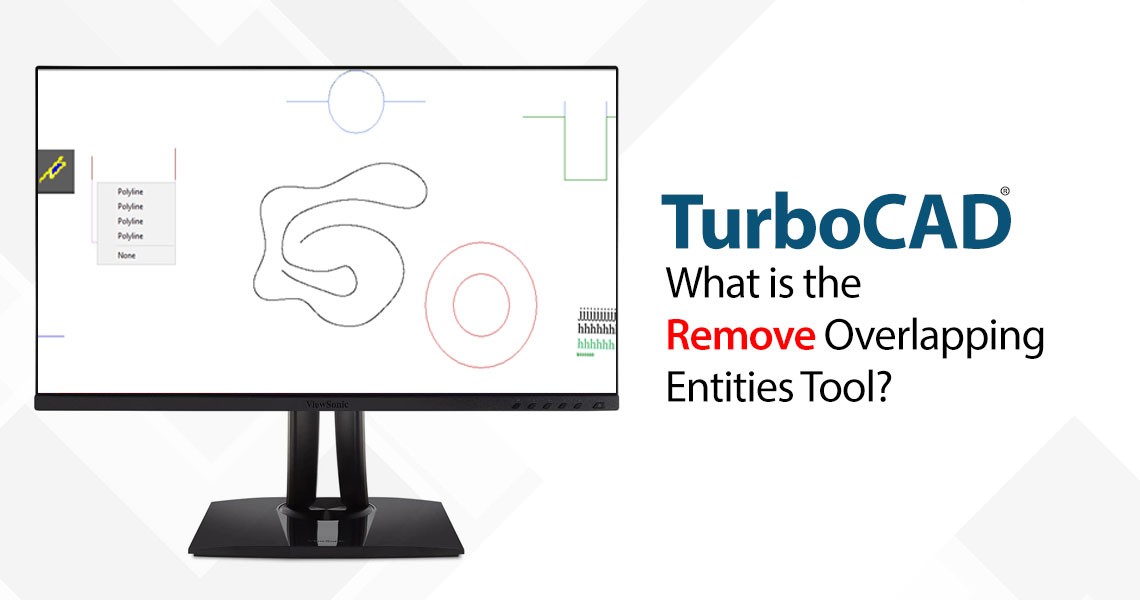
    The Remove Overlapping Entities tool is a command that can be accessed from the Modify menu, or by typing OVERKILL on the command line. This tool analyzes the selected objects in your drawing and identifies any overlapping or duplicate entities, such as lines, arcs, polylines, circles, text, dimensions, etc. It then deletes the redundant entities and preserves the remaining ones, resulting in a cleaner and simpler drawing.

    Read more
  • TurboCAD and 4K Compatibility: Crisp, Scalable UI for Modern Displays
    TurboCAD and 4K Compatibility: Crisp, Scalable UI for Modern Displays

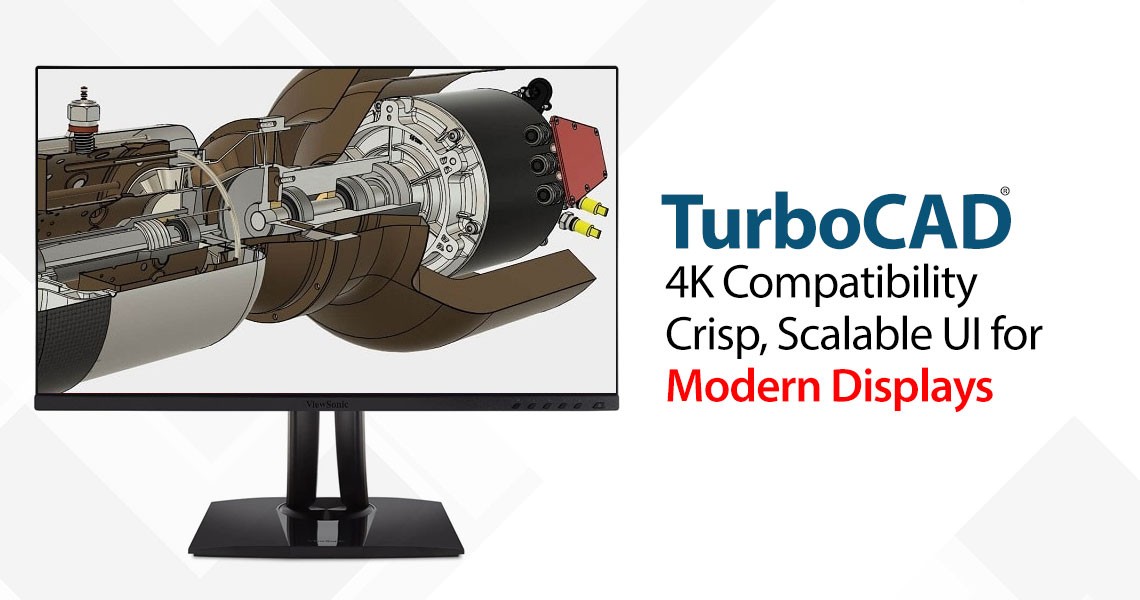
    In today's era of high-definition visuals and ultra-sharp displays, software must evolve to meet the demands of modern hardware. TurboCAD rises to this challenge with a refined, scalable user interface specifically designed for 4K and high-resolution monitors. Whether you’re an architect, engineer, or designer, you can expect a seamless, visually comfortable experience across all screen sizes.

    Read more
Showing 21 to 30 of 33 (4 Pages)
This website uses cookies to ensure you get the best experience on our website