Latest posts

TurboCAD

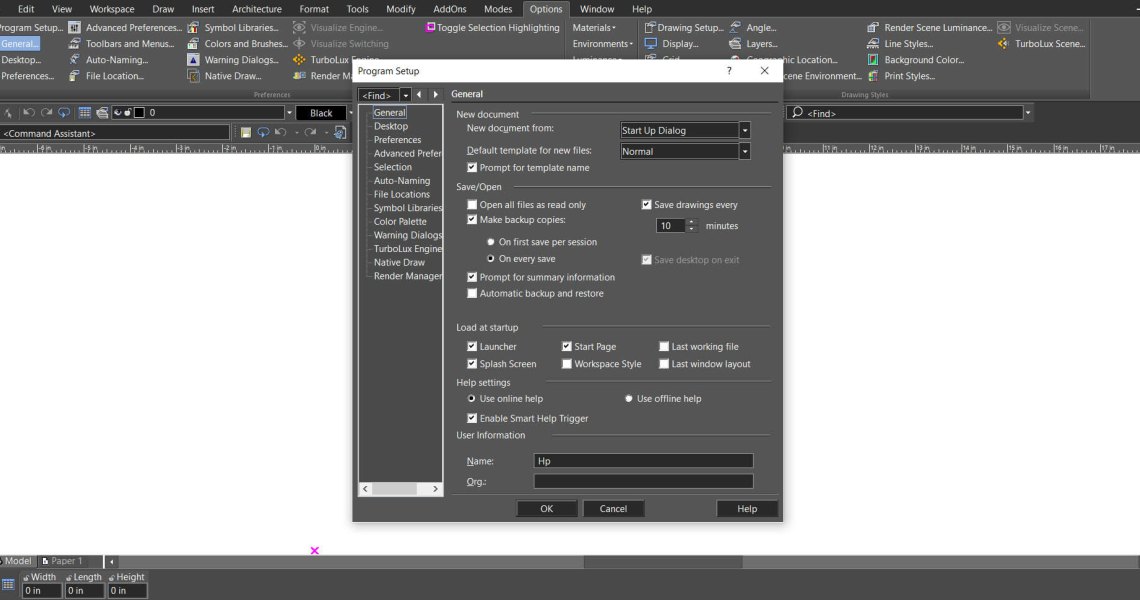
  • Copilot Palette: Smart Help Trigger
    Copilot Palette: Smart Help Trigger

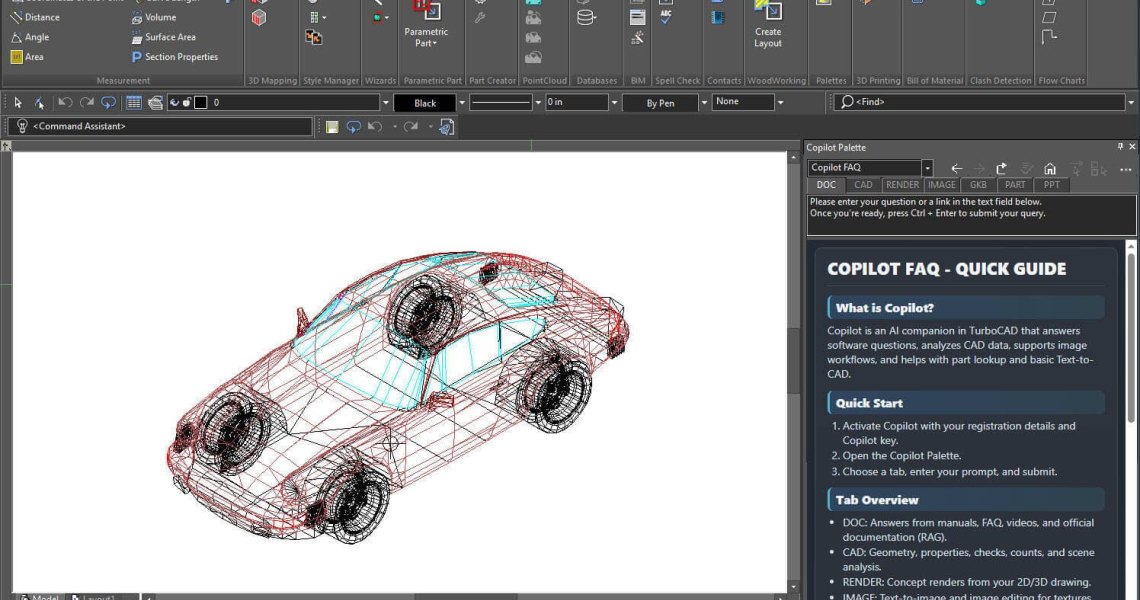
    Looking something up usually means breaking off what you were doing. Smart Help Trigger removes that step. With the Copilot Palette open, the moment you activate a supported tool the matching Help page appears inside the palette — no external help file, no browser tab, no leaving the drawing. The documentation simply follows whatever you just picked up.


    Read more
  • Conceptual Visualization from Your CAD Model with Copilot Render
    Conceptual Visualization from Your CAD Model with Copilot Render

    There is usually a gap between a drawing that is technically finished and one a client can react to. Copilot Render closes it without leaving TurboCAD. Describe the materials, lighting, setting or mood you have in mind in ordinary language, and it generates a concept image over your existing drawing. The geometry underneath is never modified — so you can keep refining the design while trying out as many visual directions as you like.

    Read more
  • How to Customize and Manage TurboCAD Workspaces
    How to Customize and Manage TurboCAD Workspaces

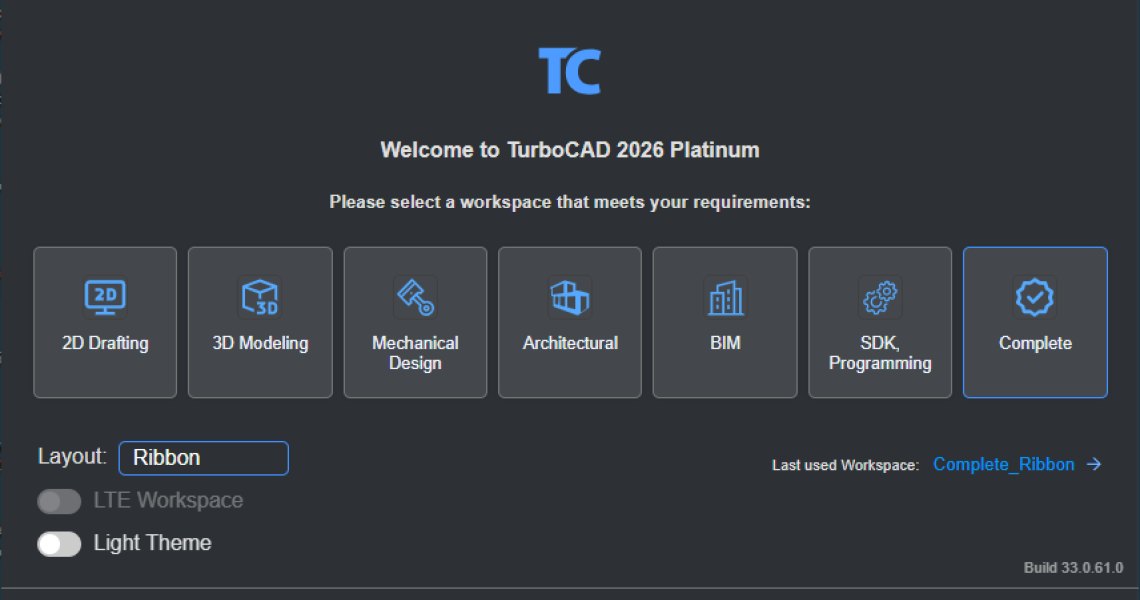
    Most drawing sessions only ever touch a fraction of what TurboCAD can do. A mechanical part and a floor plan need almost nothing in common — yet by default the interface offers both. Workspaces fix that: each one exposes the commands, toolbars, menus and palettes that suit a particular kind of work, and hides the rest. Picking the right one is the quickest way to make TurboCAD feel like it was set up for the job in front of you.

    Read more
  • Design and Develop Sheet Metal Parts with Accuracy and Efficiency
    Design and Develop Sheet Metal Parts with Accuracy and Efficiency

    The Sheet Metal tools in the application offer a comprehensive set of features for designing and editing sheet metal parts with precision and control. These tools allow users to create intricate geometries, such as tabs, bends, flanges, and hems, while preserving material integrity and adhering to key sheet metal design parameters like bend radius and k-factor. Whether designing structural components, mechanical enclosures, or decorative parts, the Sheet Metal tools simplify the entire...

    Read more
  • Create Accurate Arc Shaped Slots with Ease
    Create Accurate Arc Shaped Slots with Ease

    The Arc Slot Polygon Tool allows you to create precise arc-shaped slots for adjustable mounting brackets, curved hinge mechanisms, ventilation louvers, and decorative grill patterns. This feature makes it easy to design both functional and decorative elements that require smooth, curved slots.

    Read more
  • Batch Export One File Per Part
    Batch Export One File Per Part

    This feature streamlines the process of exporting individual components from complex assemblies, allowing users to save time and enhance overall workflow efficiency.The Batch Tool includes an option to export each part in a model as a separate file. With a single command, users can automatically generate individual files for every part within an assembly or project, eliminating the need for repetitive manual export steps.

    Read more
  • Enhance your workflow with the Redesigned Custom Tool Palette
    Enhance your workflow with the Redesigned Custom Tool Palette

    The redesigned Custom Tool Palette makes organizing your favorite tools faster and easier. With support for larger m × n icon arrays, you can create flexible layouts like 3 × 20 or 10 × 10 to match your workflow. The new, intuitive interface adapts to your working style helping you find tools quickly and keep your workspace efficient.

    Read more
  • Design Without Barriers: Multilingual Functionality
    Design Without Barriers: Multilingual Functionality

    The Multilingual feature lets you choose your preferred interface language — English, French, or German — for a smoother and more intuitive design experience. It removes language barriers, ensuring you can focus on creativity and precision. By supporting multiple languages, the application empowers designers, engineers, and architects across Europe to work comfortably and productively in their own language.

    Read more
  • STL Filter – 3D Print Check
    STL Filter – 3D Print Check

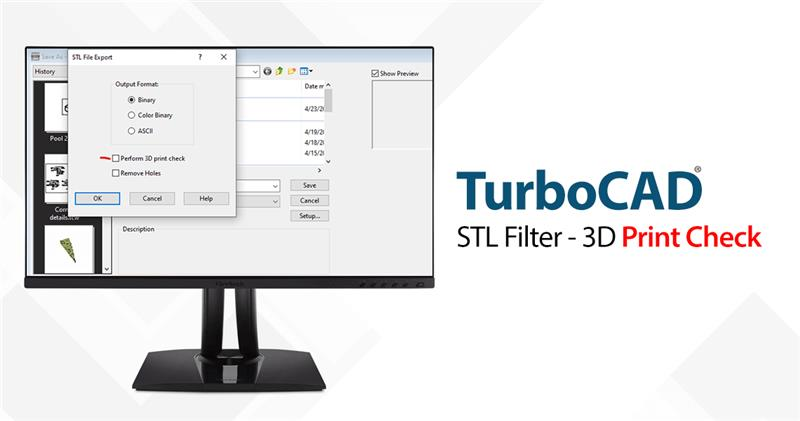
    The STL Filter is a feature within TurboCAD, a leading CAD software, that allows users to export their designs in STL format, which is the standard file type used in 3D printing. But it's not just about file conversion; the STL Filter also performs a crucial '3D Print Check' to ensure that the design is ready for printing.

    Read more
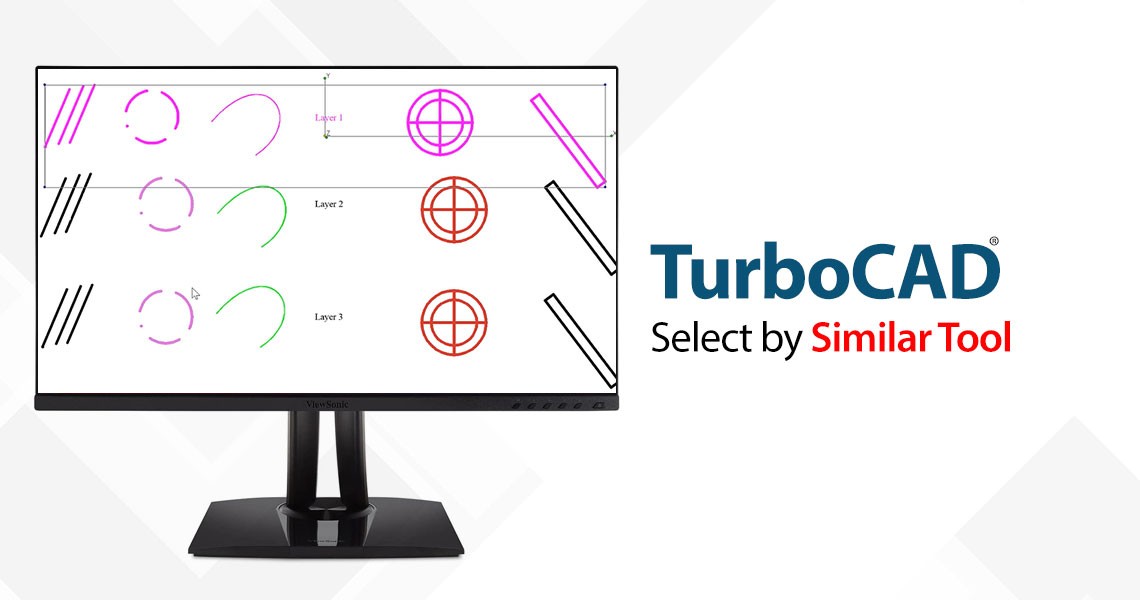
  • Select by Similar Tool
    Select by Similar Tool

    The 'Select by Similar' tool is a powerful addition to TurboCAD's arsenal, allowing users to select any 2D or 3D object type or a block and then find all occurrences of that in the drawing. This tool is particularly useful when dealing with complex designs that contain numerous elements with shared properties such as pen color and style, brush color and style, layer, or even the selected object’s coordinate system.

    Read more
Showing 1 to 10 of 20 (2 Pages)
This website uses cookies to ensure you get the best experience on our website